Linux Mint 22, “Wilma”, is a significant step forward in one of the easiest Linux distributions to use, combining Mint’s stability and simplicity with modern technology. This release, based on Ubuntu 24.04 LTS, is powered by Linux 6.8 and refines the desktop with improved performance, better visuals, smarter system administration, and a smoother experience. Linux Mint 22, with its polished Cinnamon desktop, enhanced Software Manager, and PipeWire audio enhancements, offers a reliable, clean, and responsive environment for newcomers as well as seasoned Linux users.
If you have been looking for a faster, smoother, and more visually coherent Mint, then “Wilma” is the answer. We’ll walk you through the entire changelog and see what’s new and what’s been improved.
Linux Mint 22 Change Log: New Features, Updates, and Improvements
Linux Mint has a reputation for maintaining a balance between stability and modernity. It never rushes flashy updates to the detriment of reliability. This philosophy is carried forward in Linux Mint 22, “Wilma”. This long-term (LTS), based on Ubuntu 24.04 LTS, ships with Linux 6.8. It offers a mix of new features, system-level improvements, and desktop polish.

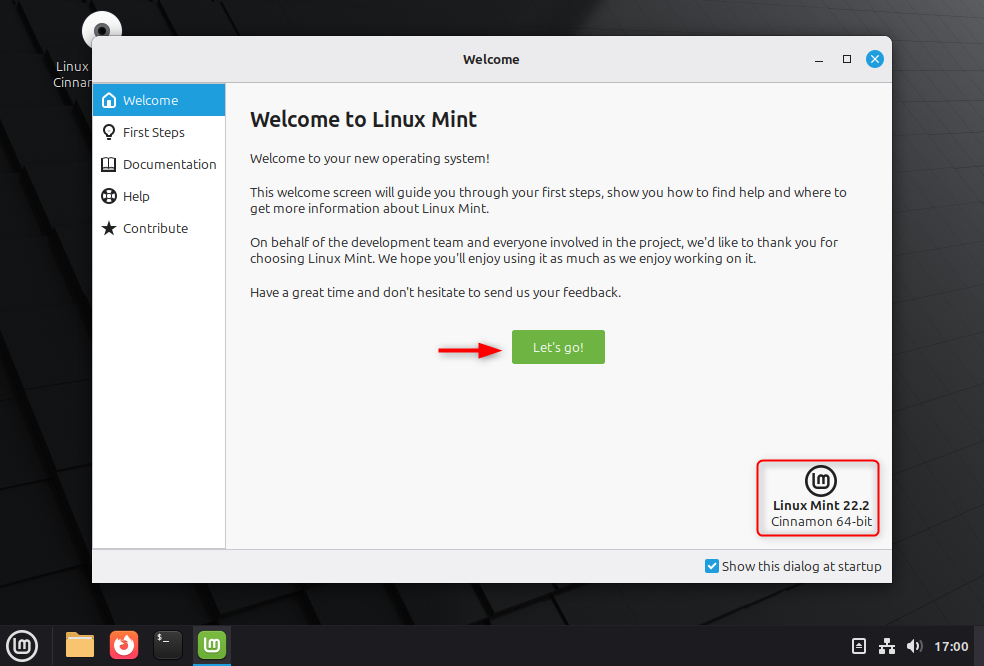
1. Base and Foundation Updates
Each major Mint release begins with the foundation, and Mint 22 is no exception.
- Based on Ubuntu 24.04 LTS:
This ensures Mint 22’s compatibility and security for the long term. Enjoy the latest versions of libraries, tools for developers, and drivers. - Linux Kernel 6.8:
Improved hardware support, improved scheduling, and memory management. - Support Until 2029:
Linux Mint 22 is an LTS version, which means it will receive security updates for five years. This makes it a great choice for businesses and long-term users. - Improved HiDPI Support:
High-resolution displays make scaling and text rendering sharper and more consistent. - Streamlined Language Packs:
Installer now removes language packs that are not used (except for English and the language you have selected), thereby saving space on your disk without affecting its usability.
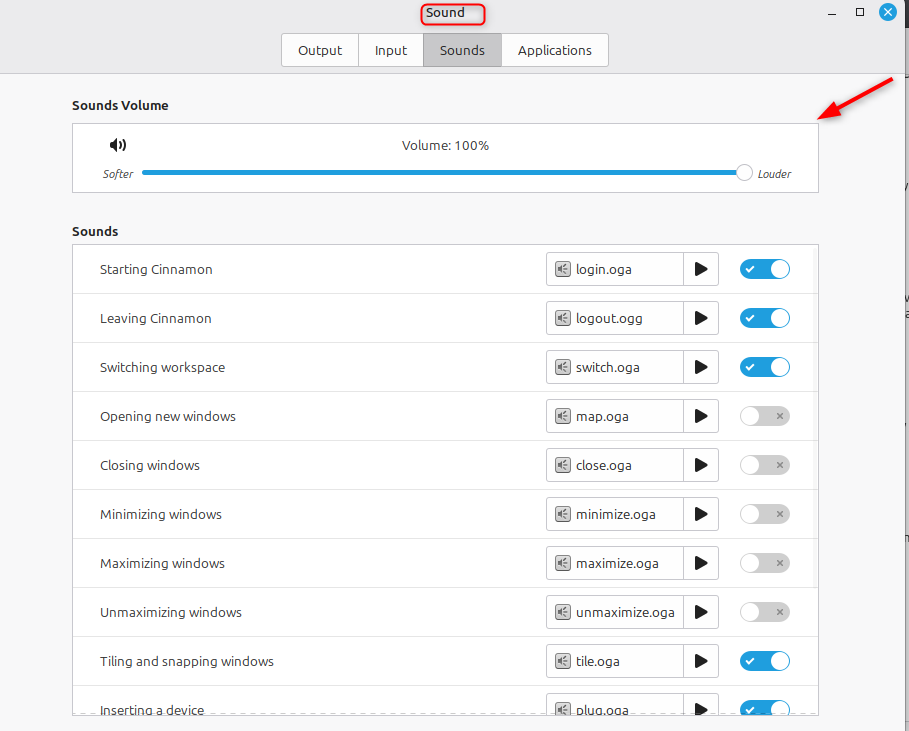
2. PipeWire Replaces PulseAudio
The switch from PulseAudio as the default sound server to PipeWire is one of the biggest changes under the hood.
What this means:
- PipeWire offers better Bluetooth audio quality and lower latency.
- This software is compatible with Flatpak applications and modern audio interfaces.
- JACK is a professional-grade emulation that’s ideal for recording and music production.
PipeWire helps Linux unify its messy audio landscape and makes it easier to maintain consistency in audio behavior for future versions.

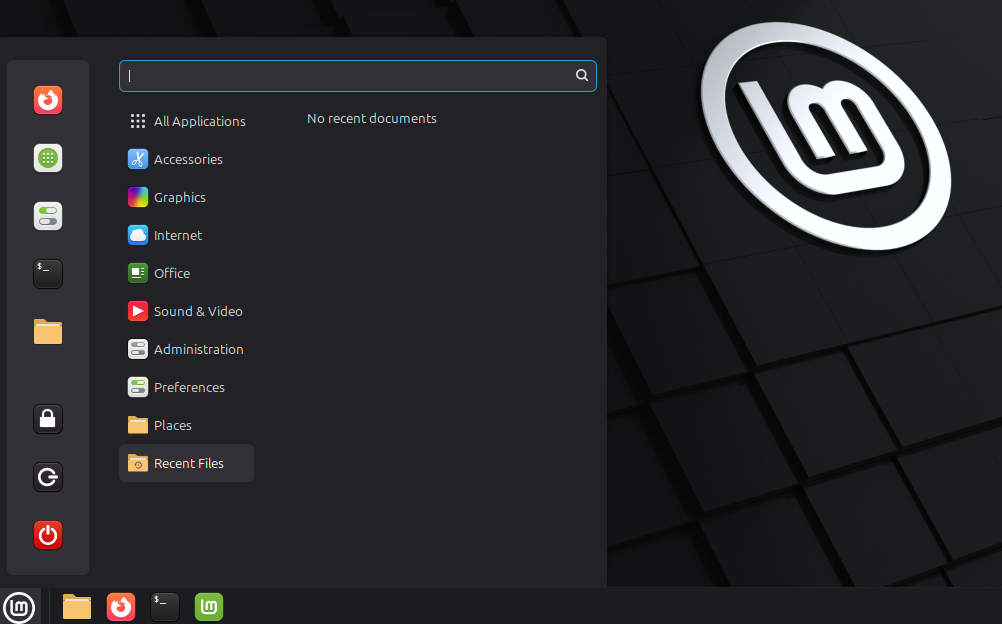
3. Desktop Experience: Cinnamon 6.2 Shines
Cinnamon is the flagship edition of Linux Mint. It’s familiar, fast, and elegant. Mint 22 comes with Cinnamon version 6.2. This version focuses more on refinements than radical changes.
Key desktop changes:
- Performance and responsiveness improved on low-end and Hybrid GPUs.
- Improved menu system, with faster results and smoother animations.
- Window management improved, and smoother transitions for maximizing, minimizing, or switching workspaces.
- Improved notifications and more consistent theming across all applications.
- Updated icons for the system tray with clearer status indicators.
Cinnamon 6.2 balances classic desktop simplicity and modern polish, proving you don’t have to use a flashy user interface to feel current.

4. File Management: Nemo Evolves
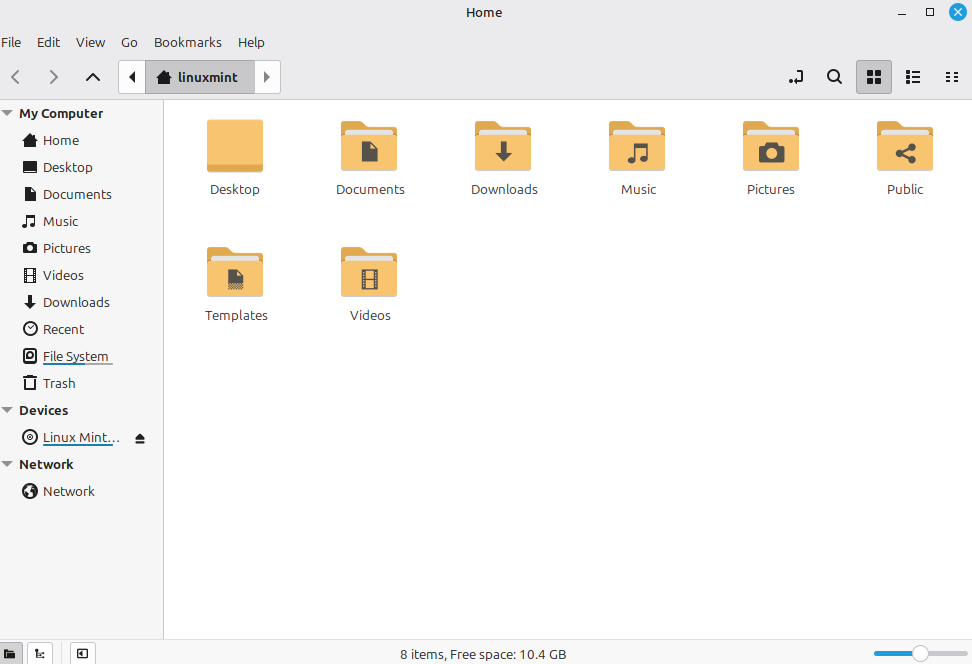
The Nemo File Manager, a Cinnamon cornerstone, receives its most useful upgrade yet.
- New “Actions Layout Editor” Now you can customize, group, and reorder actions in the context menu directly from the GUI. There’s no need to dig around in configuration files.
- Search indexing improved for faster file searches.
- The thumbnail and file preview are now more fluid.
- Bug fixes for SMB Shares, removable media handling, and icon scaling.
These tweaks are for power users who want to streamline their daily file operations.

5. Sticky Notes & Productivity Enhancements
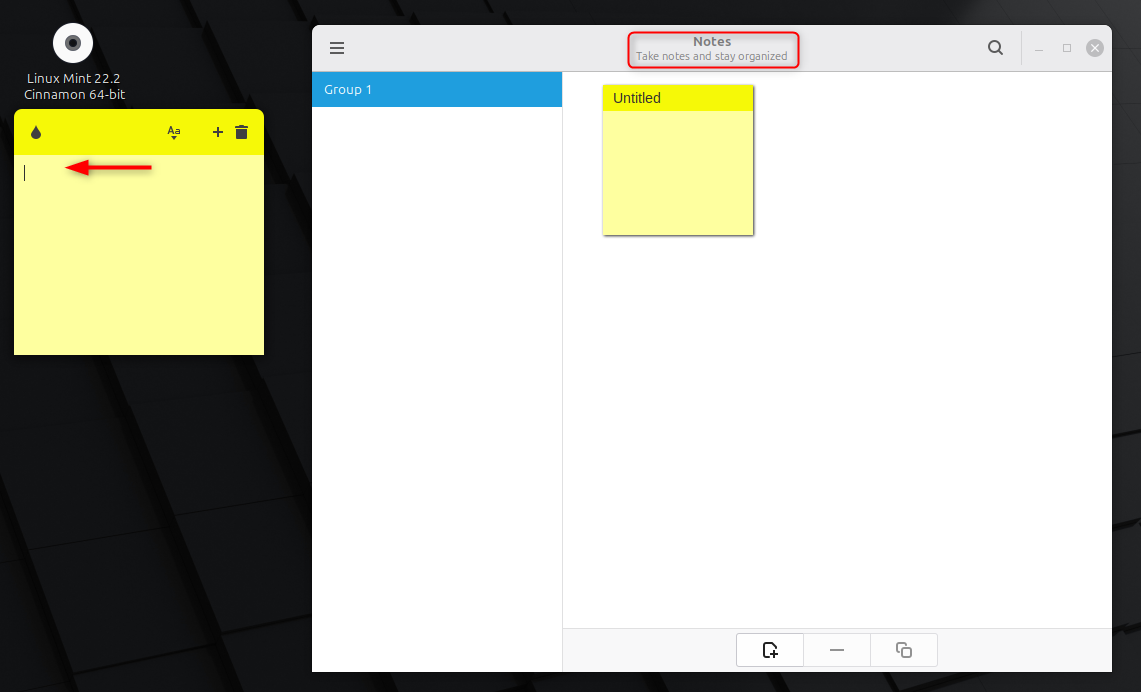
Sticky Notes (the app used by thousands of people for quick reminders) lets you now:
- Set a default position for new notes. They will appear in the desired location, and not randomly.
- Improved color contrast makes it easier to read.
- Notes are automatically saved and restored after reboot.
The small refinements are a reflection of Mint’s commitment to practical, user-centered designs — improving the things users touch every day.

6. Startup Applications and System Tools
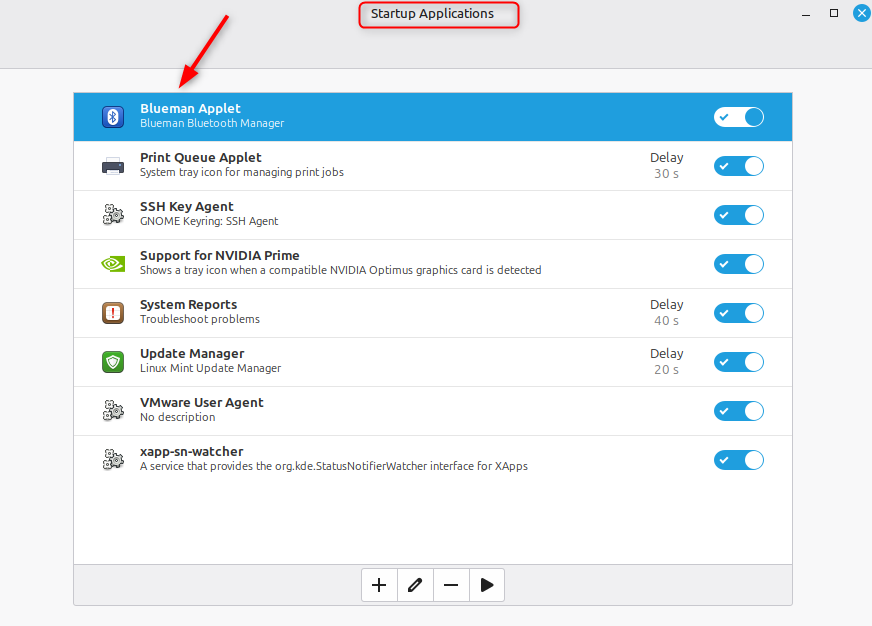
Now, managing startup programs has never been easier. The Startup Applications tool includes:
- Search bar to quickly find apps that you can enable/disable.
- Clarified descriptions of background services
- Optimized background checks result in faster loading times.
All three Update Managers, Software Manager, and Driver Manager have also seen noticeable performance improvements.

7. Software Manager: Cleaner and Safer
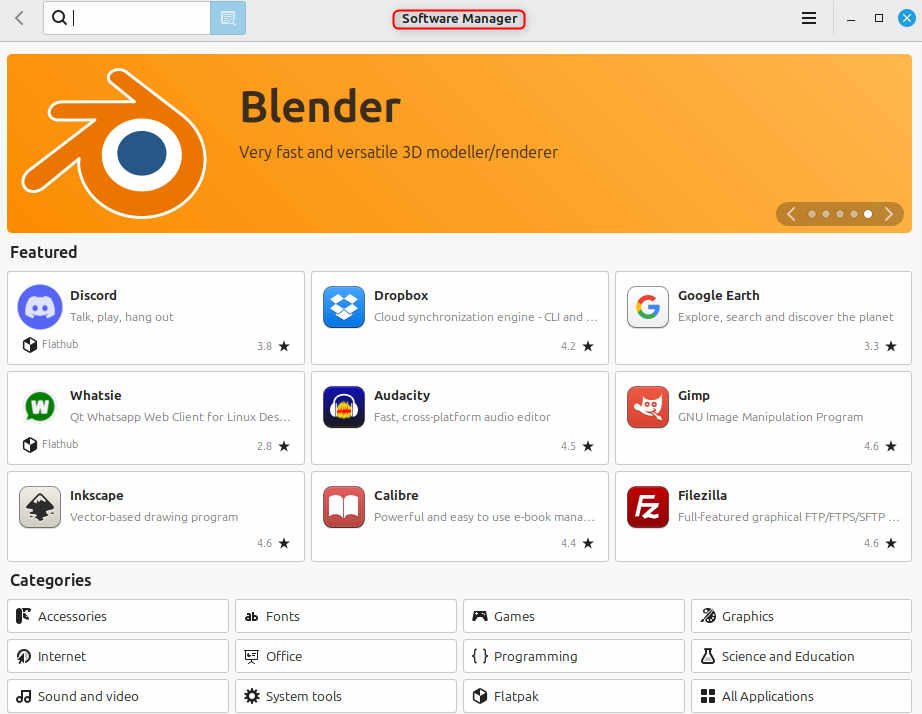
Mint’s software manager, one of Linux’s friendliest app stores, is smarter with Mint 22.
- The new version of the app provides greater security and transparency by displaying only verified, trusted sources.
- Improved loading speed for faster search of packages
- Simplified icons and improved category layout for a cleaner appearance.
- The GTK4 theme system has been updated to provide a smoother integration.
Flatpak is the default format for sandboxed applications, and Snap is disabled. This adheres to Mint’s philosophy of user control.

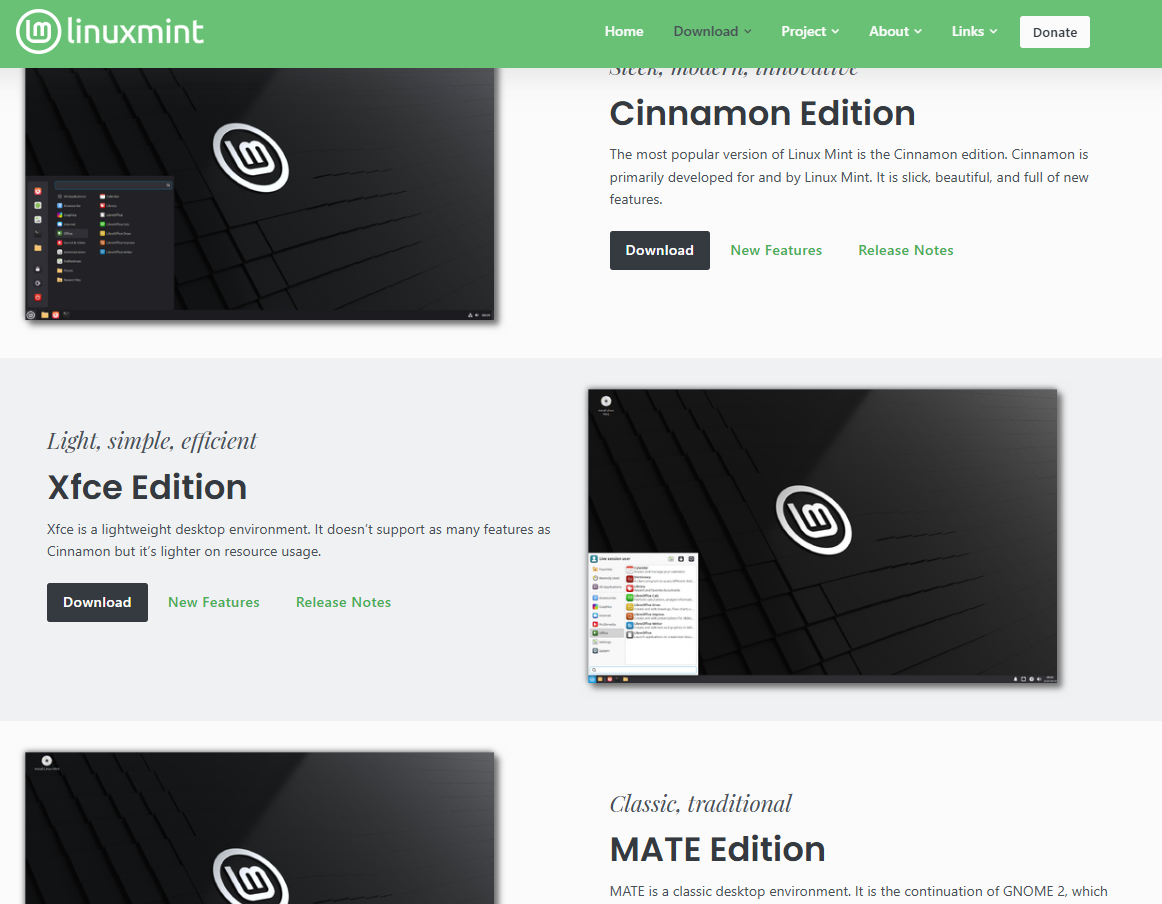
8. Editions: Cinnamon, MATE, and Xfce
Linux Mint 22 comes in three official editions.
- Cinnamon 6.2:
The flagship edition, with the latest features and best integration. - MATE 1.26:
Lightweight and stable. Perfect for users with older hardware or those who prefer the classic desktop. - Xfce 4.18:
Ideal for laptops and low-power devices.
All editions are updated with the new base system and kernel, as well as the updated apps.

9. Upgrading to Linux Mint 22
Upgrades from Mint 21.3 are fully supported, but you should always back up your data first.
Upgrade checklist:
- Install all the latest updates on your Mint installation.
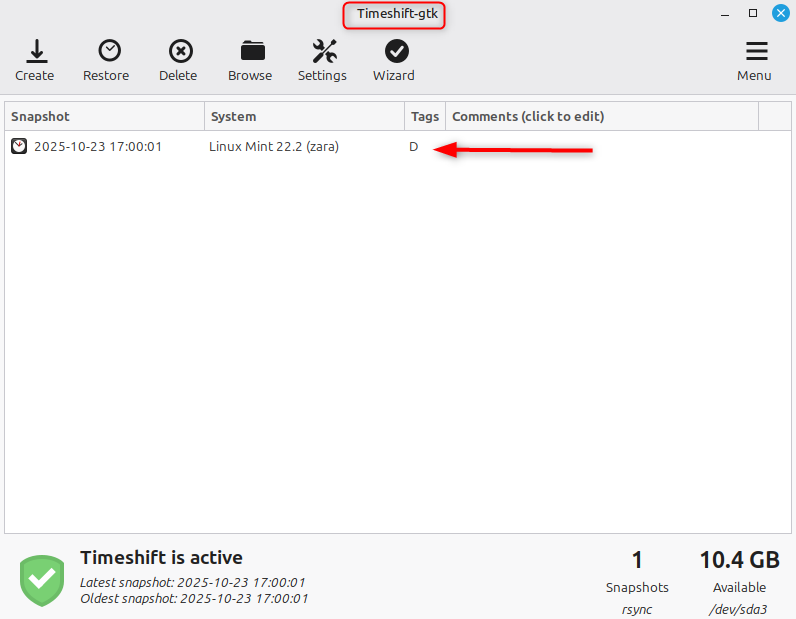
- Create a snapshot of your system using Timeshift.
- Follow the official Mint upgrade guide.
- After updating, restart and verify drivers and Flatpak apps.

Most users have reported smooth upgrades and minimal issues.
10. Real-World Benefits: Why Upgrade?
What are the implications of these updates for users, beyond the technical details?
- Multimedia performance improved, especially Bluetooth and videoconferencing.
- Laptops with better battery life and energy efficiency.
- The Flatpak ecosystem is more stable thanks to verified sources.
- Improved HiDPI scaling and polished visuals using GTK4.
- Five-year guarantee on support and security fixes
Mint 22 is faster, more coherent, and better equipped for modern hardware. This, without sacrificing its simplicity, which makes Mint so special.
Conclusion
Linux Mint 22, “Wilma”, is a Long-Term Support (LTS) Release based on Ubuntu 24,04 and brings a refreshed Linux kernel 6.8, the switch to a modern PipeWire Sound System, as well as improved HiDPI Display Handling for sharper visuals. Cinnamon 6.2 is introduced with improved file management, faster performance, and smoother animations. The Sticky Notes application’s new positioning function, a cleaner Software Manager that only uses verified Flatpaks, and better hardware support are also highlighted. Linux Mint 22 focuses its updates for five years until 2029 on stability, refinement, and a better user experience in Cinnamon MATE and Xfce Editions.