ZFS is an enterprise-grade, powerful file system known for its advanced features, including data integrity verification and snapshots. It also offers compression and pooled storage. Debian 13 will continue to support OpenZFS via official repositories. This makes it a great choice for Linux servers and VPS hosting. It is also a good option for home labs, NAS systems, or NAS storage. ZFS is a great file system for Linux, whether you are looking for data protection, high-availability storage, or efficient disk administration.
This guide will walk you through the process of installing ZFS in Debian 13, from enabling repositories to creating your ZFS pool.
Table of Content
- What Is ZFS and Why Use It on Debian 13?
- How to Install ZFS on Debian 13
- Performance and Best Practices
- Conclusion
What Is ZFS and Why Use It on Debian 13?
ZFS is a file manager and a filesystem. ZFS, unlike traditional Linux filesystems, combines data protection and storage management into a single software. Debian 13’s stability and support for a long time make it an ideal platform for ZFS.
Key Benefits of ZFS
- Data integrity check from end to end
- RAID-Z functionality built in (RAID-Z).
- Snapshots and replication
- Compression and deduplication
- Self-healing storage
How to Install ZFS on Debian 13
OpenZFS, the powerful Linux file system, is supported by Debian 13. ZFS offers robust data protection, flexible storage management, and is an excellent choice for modern Linux systems. ZFS shouldn’t be installed in the root filesystem unless you perform an advanced installation.
Prerequisites
Before installing ZFS on Debian 13, ensure:
- You have root or sudo privileges
- The system has been fully updated
- ZFS pools can be created on disks and partitions that are free.
- Internet access is available.
Let’s explain the step-by-step tutorial to install ZFS safely. It will also optimize performance in both enterprise and personal environments.
Step 1: Update the Debian 13 System
Updating your system will prevent compatibility problems with the ZFS kernel module.
|
sudo apt update |
|---|

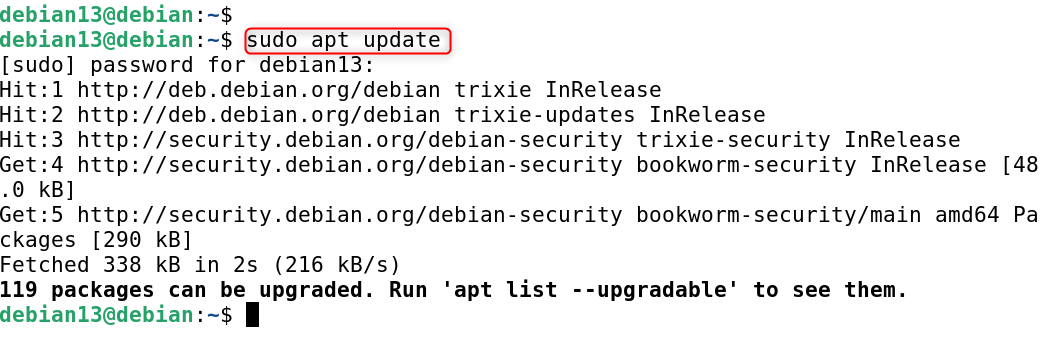
This update package metadata and installs kernel updates and the latest security patches.
Step 2: Enable the Contrib Repository
ZFS packages can be found in the contrib repository. This repository is disabled on Debian by default.
Edit the sources list:
|
sudo nano /etc/apt/sources.list |
|---|
Include the following lines in your code:
|
deb http://deb.debian.org/debian trixie main contrib deb http://security.debian.org/debian-security trixie-security main contrib |
|---|
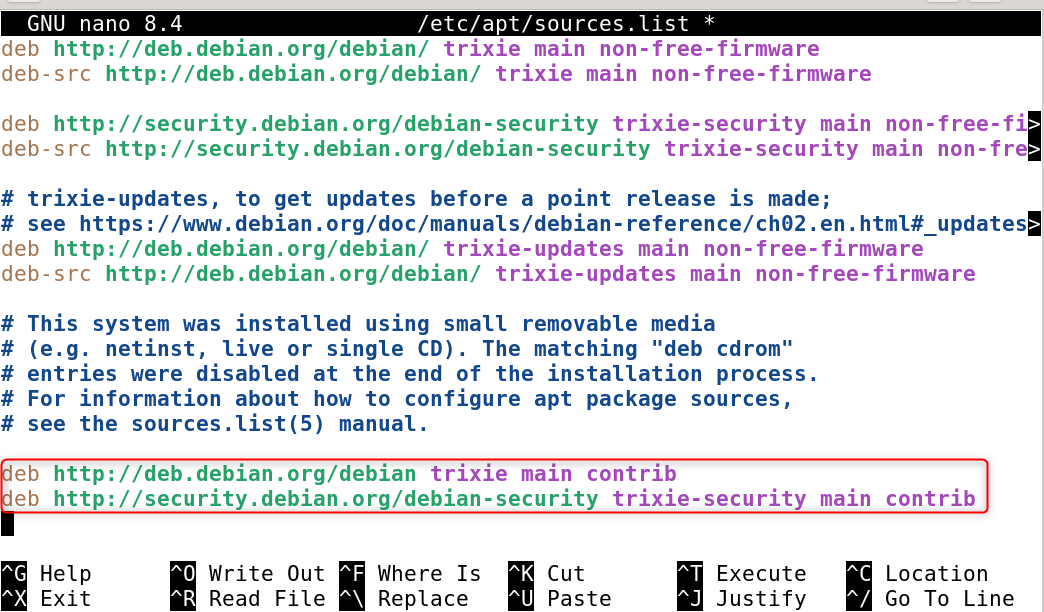
The contrib repository contains all packages that are dependent on non-free components. This includes ZFS kernel modules.

Step 3: Refresh Package Index
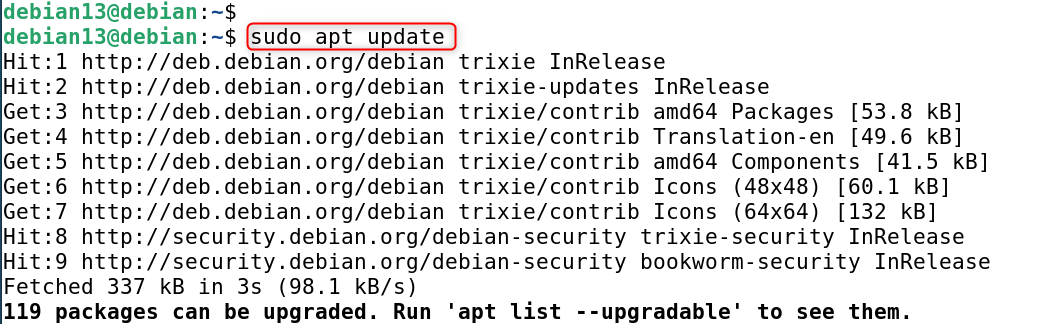
This loads the package data from a newly enabled repository to make ZFS packages available.
|
sudo apt update |
|---|

Step 4: Install ZFS on Debian 13
Now install ZFS using APT:
|
sudo apt install zfsutils-linux -y |
|---|

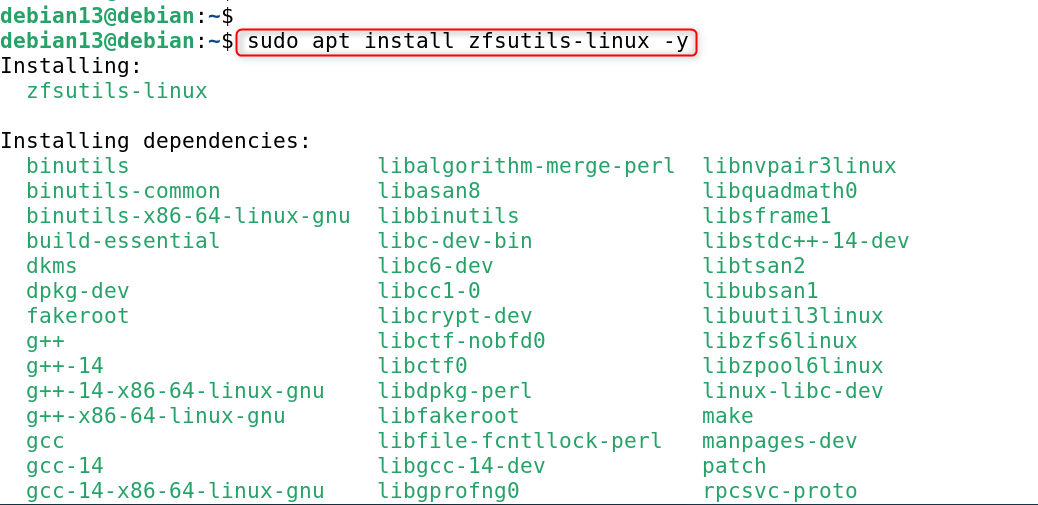
This package installs ZFS utilities and compiles kernel modules automatically using DKMS.

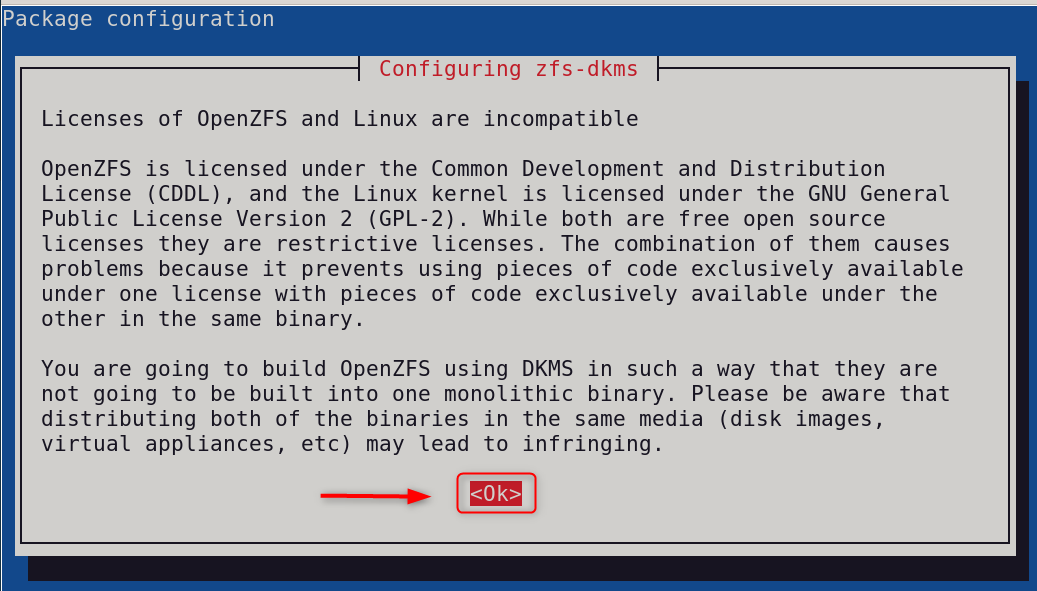
Step 5: Verify ZFS Installation
Check to see if ZFS modules have been loaded.
|
lsmod | grep zfs |
|---|


Or verify the ZFS version:
|
zfs version |
|---|


The following commands will confirm that ZFS has been installed and is running properly.
Step 6: Load ZFS Kernel Module Manually (If Needed)
If ZFS does not load automatically:
|
sudo modprobe zfs |
|---|


This will load the ZFS kernel without having to reboot.
Step 7: Identify Available Disks
List the available disks before creating a ZFS Pool:
|
lsblk |
|---|

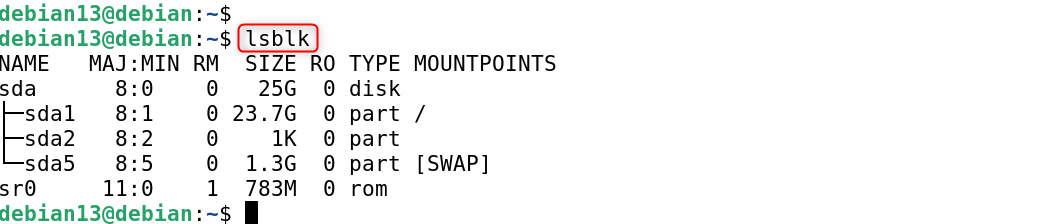
It is important to identify disks that are not in use so as to prevent accidental data loss.
Step 8: Create a ZFS Storage Pool
Create a simple ZFS pool using one disk:
|
sudo zpool create datapool /dev/sda1 |
|---|


This creates a ZFS Storage Pool named datapool.
Step 9: Verify ZFS Services
Displays the ZFS status, services, and error information.
|
sudo systemctl status zfs.target |
|---|

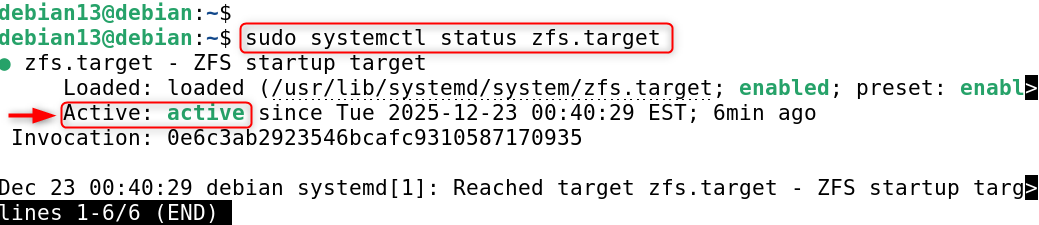
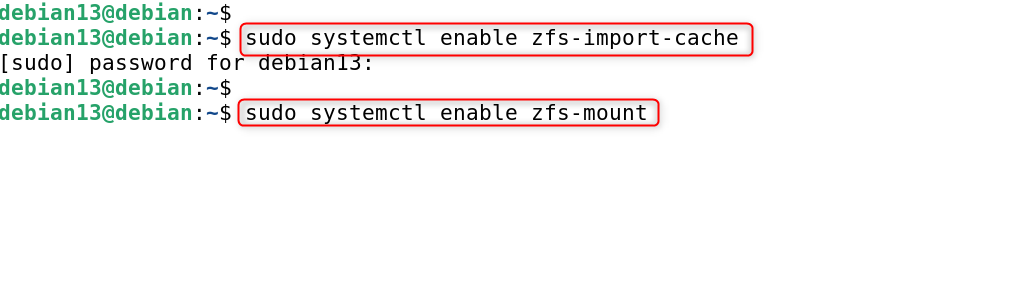
Step 10: Enable ZFS Services at Boot
Make sure that ZFS pools are mounted automatically after reboot.
|
sudo systemctl enable zfs-import-cache sudo systemctl enable zfs-mount |
|---|

Performance and Best Practices
The common ZFS installation issues are DKMS build failure. To fix it, ensure kernel headers are installed, and reboot after kernel upgrades. If the ZFS module is not loading, run modprobe zfs and check kernel compatibility.
Best practices include:
- Use ECC Memory for Production Servers
- Avoid overusing deduplication
- By default, compression is enabled
- Regularly monitor the pool’s health.
Conclusion
Installing ZFS in Debian 13 requires that you enable the contrib repository and update the package list. You can install the zfsutils package via APT. After installation, you can load the ZFS module, test functionality, and create a storage group using disks. ZFS offers advanced features such as snapshots, data integrity, and compression. It is ideal for servers, NAS, and high-reliability systems on Debian 13.